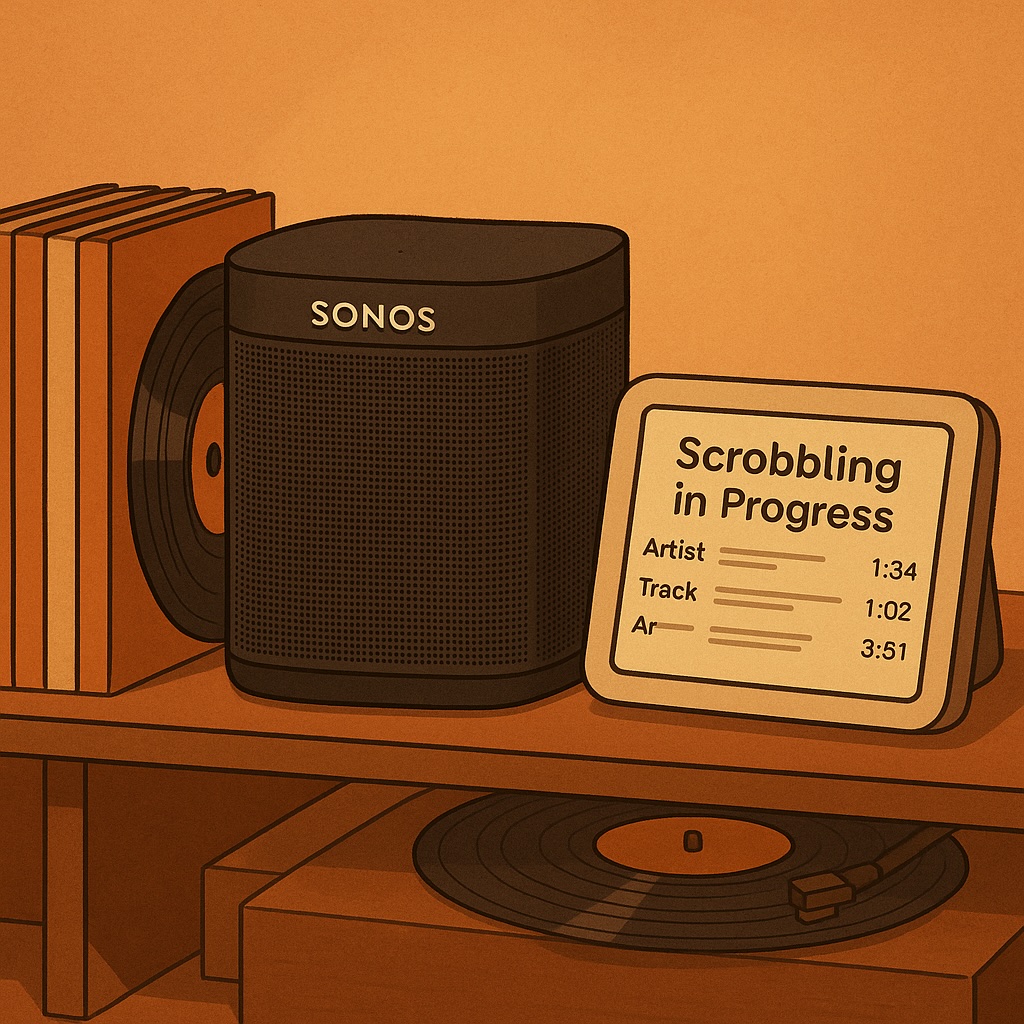
Behind the Scenes: How SpinStack’s Music Scrobbling Logic Works
Music tracking has been around since Last.fm pioneered “scrobbling” in the early 2000s, but implementing it yourself raises interesting technical challenges. Here is a in-depth look on how SpinStack (my Sonos music analytics platform) decides when to record a track as “played”.
When Has a Track Actually Been “Played”?
While it seems straightforward, determining when to log a track requires balancing several factors:
- Avoiding false plays: Brief listens or skips shouldn’t count
- Preventing duplicates: The same track shouldn’t be logged multiple times
- Handling playback quirks: Pausing, resuming, room changes, and grouping need special handling
So how does SpinStack approaches this?
The Detection Process: Polling and State Tracking
At its core, SpinStack continuously monitors what’s playing on my Sonos speakers through an asynchronous polling system. The main polling function runs in a background task, checking each Sonos speaker every few seconds:
async def poll_device_states():
    """Periodically discovers Sonos devices, updates status cache, triggers scrobbles,
    adds group info, and persists state."""
    loop = asyncio.get_running_loop()
    executor = ThreadPoolExecutor(max_workers=10)

    # Load persisted state from database
    previous_cache = _load_persisted_device_state()
    state.device_cache = copy.deepcopy(previous_cache)

    # Track already-logged tracks to prevent re-logging
    logged_this_session_ids = set()

    while True:
        poll_interval = state.app_config.get('device_status_poll_interval')
        # Read other config values...

        try:
            # Discover Sonos devices on the network
            discovered_devices = await loop.run_in_executor(
                executor, soco.discover, discovery_timeout
            )

            # Fetch data for each device asynchronously
            fetch_tasks = [fetch_device_data(device, loop, executor)
                          for device in discovered_devices]
            results = await asyncio.gather(*fetch_tasks)

            # Process results and update device cache
            new_cache = {}
            for result in results:
                if result and 'uid' in result:
                    new_cache[result['uid']] = result

            # Process group information and update global cache
            # ...

            state.device_cache = new_cache

            # Scrobble detection logic happens here
            # ...

            # Persist device state to database
            _save_device_state(new_cache)
            previous_cache = copy.deepcopy(new_cache)

        except Exception as e:
            logger.error(f"Critical error during device polling: {e}")

        await asyncio.sleep(poll_interval)
For each device, I fetch detailed data in a separate async function, using ThreadPoolExecutor to handle the blocking Sonos API calls without freezing the main application:
async def fetch_device_data(device, loop, executor):
    """Helper coroutine to fetch data for a single device using executor."""
    try:
        # Get basic device info (uid, name, IP)
        uid = await loop.run_in_executor(executor, getattr, device, 'uid')
        player_name = await loop.run_in_executor(executor, getattr, device, 'player_name')

        # Fetch speaker info, transport state, and track data
        speaker_info = await loop.run_in_executor(executor, device.get_speaker_info)
        transport_info = await loop.run_in_executor(executor, device.get_current_transport_info)
        track_info = await loop.run_in_executor(executor, device.get_current_track_info)

        # Get volume and mute state
        volume = await loop.run_in_executor(executor, getattr, device, 'volume')
        mute = await loop.run_in_executor(executor, getattr, device, 'mute')

        # Determine if this device is a group coordinator
        is_coordinator = False
        group_coordinator_uid = None
        group = await loop.run_in_executor(executor, getattr, device, 'group')
        if group and group.coordinator:
            group_coordinator_uid = await loop.run_in_executor(
                executor, getattr, group.coordinator, 'uid'
            )
            is_coordinator = (uid == group_coordinator_uid)

        # Extract and process track information
        status = transport_info.get('current_transport_state', 'UNKNOWN')
        current_track = None

        if status in ['PLAYING', 'PAUSED_PLAYBACK', 'TRANSITIONING']:
            position_str = track_info.get('position', '0:00:00')
            duration_str = track_info.get('duration', '0:00:00')
            track_duration_seconds = parse_time_string(duration_str)

            # Create track data structure if valid
            if track_info.get('title') and track_duration_seconds > 0:
                current_track = {
                    "title": track_info.get('title'),
                    "artist": track_info.get('artist'),
                    "album": track_info.get('album'),
                    "album_art": track_info.get('album_art'),
                    "position": parse_time_string(position_str),
                    "duration": track_duration_seconds,
                    "uri": track_info.get('uri'),
                    "_raw_track_info": track_info,
                    "_raw_transport_info": transport_info,
                    "_scrobble_threshold_position": None  # Calculated later
                }

        # Return complete device data
        return {
            "uid": uid,
            "zone_name": player_name,
            "status": status,
            "current_track": current_track,
            "is_coordinator": is_coordinator,
            "group_coordinator_uid": group_coordinator_uid,
            "volume": volume,
            "mute": mute,
            # Other fields...
        }

    except Exception as e:
        logger.error(f"Error fetching device data: {e}")
        return {
            "uid": uid if 'uid' in locals() else f"error_{device.ip_address}",
            "status": "ERROR",
            "error_message": str(e)
        }
The “When to Scrobble” Logic
The core of SpinStack’s scrobbling logic is based on a threshold approach. For each track, I determine a specific “scrobble point” - the position in the track when it’s considered fully “played” rather than just sampled:
# Inside the polling loop for each device
current_track_info = current_data["current_track"]
current_status = current_data["status"]
current_pos = current_track_info.get('position')
current_dur = current_track_info.get('duration')

# Check if track has changed since last poll
track_changed = (current_track_id != previous_track_id)

if track_changed:
    # Calculate new threshold for this track
    if current_track_id and current_dur is not None:
        if current_dur > 0:
            threshold = current_dur * (scrobble_threshold_percent / 100.0)
            threshold = max(threshold, float(start_threshold_seconds))
            logger.debug(f"Calculated threshold: {threshold:.2f}s ({scrobble_threshold_percent}% of {current_dur}s, min {start_threshold_seconds}s)")
        else:  # Handle streams or zero duration
            threshold = float(start_threshold_seconds)
            logger.debug(f"Zero duration track (stream?), using fixed threshold: {threshold}s")
        current_track_info['_scrobble_threshold_position'] = threshold
The threshold calculation applies these rules:
- Minimum duration filter: Tracks shorter than a configurable minimum (default: 30 seconds) aren’t eligible for scrobbling
- Playback threshold: Either a percentage of total duration (default: 50%) or a minimum seconds played (default: 30 seconds), whichever is greater
So with default settings:
- A 2-minute track scrobbles after 1 minute (50% of duration)
- A 4-minute track scrobbles after 2 minutes (50% of duration)
- A 30-second jingle is filtered out entirely (below minimum duration)
Preventing Duplicate Scrobbles: Multi-Level Deduplication
Preventing duplicate scrobbles was trickier than I expected. Since the polling happens continuously, a track will hit the threshold point multiple times during playback. I implemented two complementary approaches:
1. Session-Based Tracking
Within each application session, I maintain a set of already-logged track IDs:
# Initialize tracking set
logged_this_session_ids = set()

# Later, in the polling loop
track_instance_id = f"{uid}|{current_track_id}" if current_track_id else None
already_logged = track_instance_id in logged_this_session_ids if track_instance_id else True

# Determine if we should attempt to scrobble
should_attempt_scrobble = False
if current_status == 'PLAYING' and is_valid_for_scrobble and current_threshold is not None:
    if current_pos >= current_threshold:
        if not already_logged:
            should_attempt_scrobble = True

# If we should scrobble, log it and add to tracking set
if should_attempt_scrobble and track_instance_id:
    track_data = {
        "title": current_title,
        "artist": current_artist,
        "album": current_album,
        "duration": current_dur,
        "position": current_pos,
        "room": current_data.get('zone_name'),
        "uri": current_track_uri,
        # Other fields...
    }
    utils.log_track(track_data)
    logged_this_session_ids.add(track_instance_id)
2. Database-Level Deduplication
As a backup strategy, the actual log_track function has its own database-level deduplication logic:
def log_track(track_data):
    """Log a track play to the database if not a duplicate, and trigger events"""
    # Extract key fields
    artist = track_data.get('artist', '')
    title = track_data.get('title', '')
    room = track_data.get('room', '')
    duration = track_data.get('duration')
    current_time = time.time()

    # Check for recent plays of the same track
    with sqlite3.connect(DB_PATH) as conn:
        conn.row_factory = sqlite3.Row
        cursor = conn.cursor()
        cursor.execute("""
            SELECT timestamp, duration FROM scrobbles
            WHERE artist = ? AND title = ? AND room = ?
            ORDER BY timestamp DESC LIMIT 1
        """, (artist, title, room))
        recent_play = cursor.fetchone()

    # Skip if a duplicate is found
    if recent_play:
        recent_timestamp = recent_play['timestamp']
        recent_duration = recent_play['duration']

        # Duration-aware check (for long tracks)
        if recent_duration:
            expected_end_time = recent_timestamp + recent_duration + BUFFER_TIME
            if current_time < expected_end_time:
                logger.debug(f"Skipping duplicate: {artist} - {title} (duration check)")
                return False

        # Standard time window check
        deduplication_window = state.app_config.get('deduplication_window', 300)
        time_since_last_play = current_time - recent_timestamp
        if time_since_last_play < deduplication_window:
            logger.debug(f"Skipping duplicate: {artist} - {title} (time window check)")
            return False

    # If we get here, log the track and trigger event
    scrobble_id = db.insert_scrobble(track_data)
    event_data = {'scrobble_id': scrobble_id, **track_data}
    plugin_api.dispatch_event(EventType.TRACK_PLAYED, event_data)
    return True
This dual approach gives me robust protection against duplicate scrobbles:
- The session-level tracking prevents repeated logs during a single playback
- The database check provides protection across application restarts or edge cases
State Persistence: Handling Interruptions
One of the trickiest parts of making scrobbling reliable is handling interruptions - app restarts, network hiccups, or users pausing tracks. SpinStack maintains state in a SQLite database:
def _save_device_state(device_states):
    """Saves the current state of devices to the database."""
    rows_to_save = []
    now_iso = datetime.now(timezone.utc).isoformat()

    for uid, data in device_states.items():
        if data.get("status") == "ERROR": continue
        track_info = data.get("current_track")
        threshold_pos = track_info.get("_scrobble_threshold_position") if track_info else None
        volume = data.get("volume")
        mute = data.get("mute")

        rows_to_save.append((
            uid, data.get("status"),
            track_info.get("uri") if track_info else None,
            track_info.get("artist") if track_info else None,
            track_info.get("album") if track_info else None,
            track_info.get("title") if track_info else None,
            track_info.get("position") if track_info else None,
            track_info.get("duration") if track_info else None,
            data.get("last_update", now_iso),
            volume, mute, threshold_pos
        ))

    # Save to database with INSERT OR REPLACE
    with sqlite3.connect(DB_PATH) as conn:
        cursor = conn.cursor()
        cursor.executemany("""
            INSERT OR REPLACE INTO device_last_state (
                uid, last_status, last_track_uri, last_track_artist,
                last_track_album, last_track_title, last_position,
                last_duration, last_update_time, last_volume, last_mute,
                scrobble_threshold_position
            ) VALUES (?, ?, ?, ?, ?, ?, ?, ?, ?, ?, ?, ?)
        """, rows_to_save)
        conn.commit()
This persistence provides continuity when:
- Tracks are paused and resumed later
- The application is restarted
- Music is moved between rooms using Sonos’ grouping features
Most importantly, the calculated scrobble threshold position is persisted. This ensures that a track played halfway through, paused, and resumed later won’t trigger another scrobble when it crosses the threshold again.
The Event Architecture: Pluggable Processing
Once a track passes all checks and is logged, SpinStack triggers a TRACK_PLAYED event through its plugin architecture:
# In log_track after inserting to database
event_data = {
    'scrobble_id': scrobble_id,
    **track_data
}
plugin_api.dispatch_event(EventType.TRACK_PLAYED, event_data)
This event-based approach enables plugins to process scrobbles without tightly coupling to the core logic:
- The Artwork Plugin fetches album artwork from Sonos, MusicBrainz, or Deezer
- The Metadata Fetcher enriches tracks with release year, label, and genre information
- Future plugins could add Last.fm integration, notifications, or custom analytics
Recent Improvements
I recently refactored the scrobbling system to fix several issues:
- Improved threshold logic: Better handling of edge cases like streams and very short tracks
- More robust deduplication: Added duration-aware checking to more accurately identify when a track is truly replayed vs. just continuing to play
- Enhanced state tracking: By persisting the threshold position and creating unique track instance IDs, interruptions and room changes are handled more reliably
- Memory optimization: Replaced a runtime flag with a session-tracking set to reduce state complexity
- Better error handling: More robust error detection and logging throughout the polling process
Final Thoughts
Building a robust scrobbling system has been quite the challenge. The details matter, a tiny timing issue or edge case can lead to missing or duplicate scrobbles, ruining the accuracy of my music history.