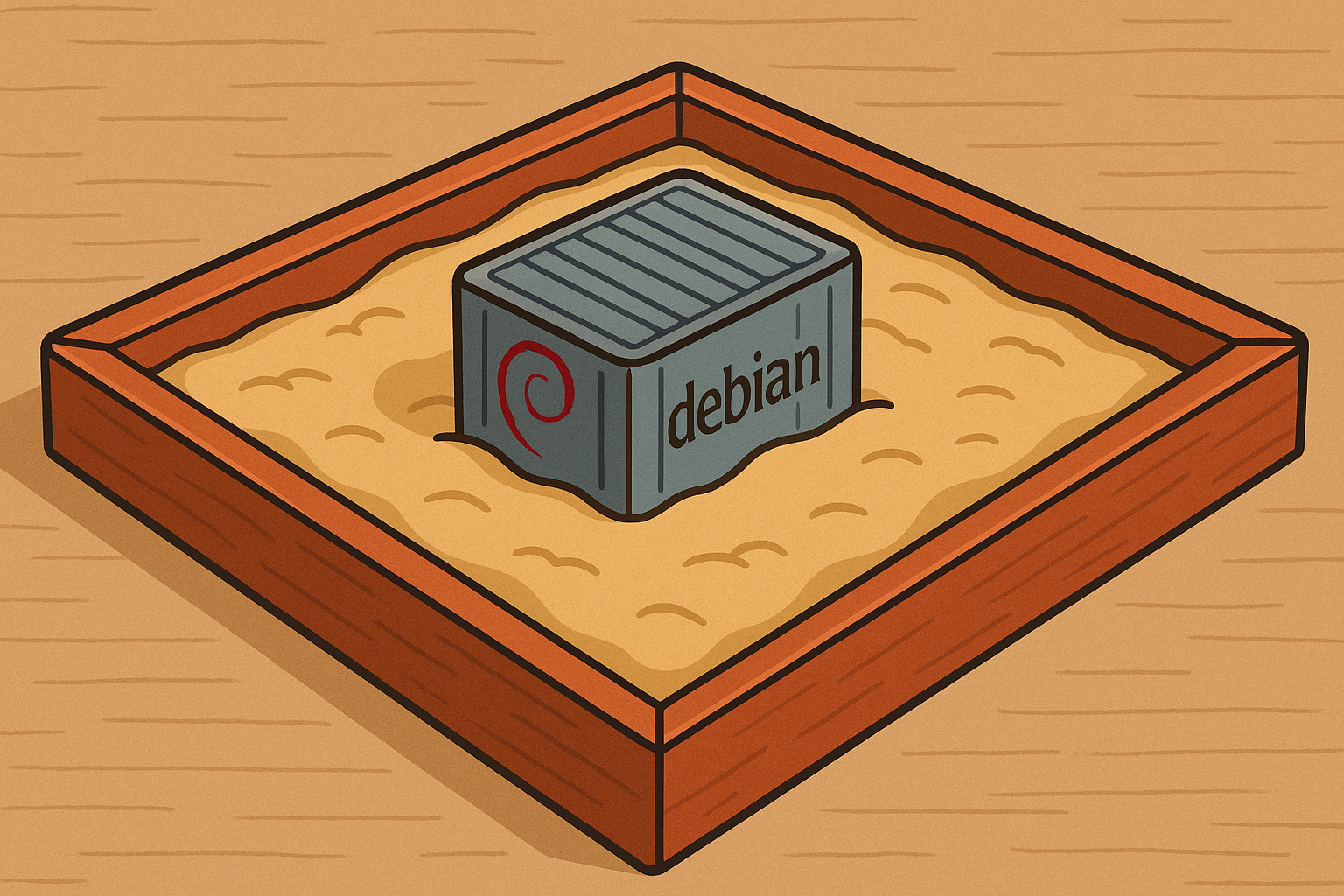
Over the weekend, I stumbled across a tweet showing someone asking ChatGPT to create a zip file of its /home/oai directory. The responses were a mix of surprise and curiosity - wait, ChatGPT has a filesystem? It can zip directories?
Naturally, being someone who enjoys poking at systems to understand how they work, I thought: “Let’s see what else is in there.”
What started with some poking around, quickly turned into a fun exploration of the containerized environment that powers every ChatGPT conversation. Spoiler: it’s not magic, it’s “just” container orchestration, careful isolation, and interesting architectural choices.
The Initial Discovery
The original tweet demonstrated that you could ask ChatGPT to run Python code that creates a zip of /home/oai:
And it works. You get a downloadable zip file containing the home directory structure. That’s when I realized: every chat isn’t just an API endpoint, it’s a full Linux environment.
So I started playing in the sandbox.
Mapping the Filesystem
First things first: what’s actually in this environment? I wrote a simple script to walk the filesystem and catalog everything:
import os, json
base = "/mnt/data"
items = []
for root, dirs, files in os.walk(base):
    for name in dirs:
        path = os.path.join(root, name)
        stat = os.stat(path)
        items.append({
            "type": "dir",
            "path": path,
            "size": None,
            "mtime": stat.st_mtime
        })
    for name in files:
        path = os.path.join(root, name)
        stat = os.stat(path)
        items.append({
            "type": "file",
            "path": path,
            "size": stat.st_size,
            "mtime": stat.st_mtime
        })
print(json.dumps(items, indent=2))
Key Findings:
/mnt/data: This is your writable workspace. It’s where artifacts created during a conversation are stored. You get approximately 8GB of space, and it is isolated per chat. Each conversation starts with a clean /mnt/data directory.
I tried to exceed the 8GB limit with various approaches, but execution timeouts and other safeguards kicked in before I could fill it up.
OS Details: Running cat /etc/os-release reveals:
PRETTY_NAME="Debian GNU/Linux 12 (bookworm)"
NAME="Debian GNU/Linux"
A minimal Debian 12 installation - exactly what you’d expect for a containerized Python execution environment.
Understanding the Network Topology
This is where things got interesting. I asked it to run some network reconnaissance:
traceroute to google.com (74.125.132.102)
 2  172.30.0.1 (172.30.0.1)  0.154 ms  0.099 ms  0.112 ms
Notice something? Hop 1 is hidden. This is typical in containerized/sandboxed environments where the first hop (your container’s network namespace) is deliberately obscured.
The 172.30.0.1 is the internal bridge/gateway that provides NAT and egress control.
Network Architecture Diagram
Here’s what the network topology likely looks like:
                       ┌──────────────────────────────────────────┐
                       │              Outside world               │
                       │     google.com, APIs, package repos      │
                       └──────────────────────────┬───────────────┘
                                                  │  (egress only)
                                                  │
                       ┌──────────────────────────▼───────────────┐
                       │     Provider-controlled egress / NAT     │
                       │   (topology + hops intentionally hidden) │
                       └──────────────────────────┬───────────────┘
                                                  │
                                     RFC1918      │
                       ┌──────────────────────────▼───────────────┐
                       │        Sandbox bridge / gateway          │
                       │                172.30.0.1                │
                       └──────────────────────────┬───────────────┘
                                                  │
                       ┌──────────────────────────▼───────────────┐
                       │     Runtime container / execution env    │
                       │  (namespaces + policy envelope, isolated)│
                       │                                          │
                       │  Filesystem:                             │
                       │    / (curated)                           │
                       │    /home/oai (userland)                  │
                       │    /etc (minimal)                        │
                       │    /proc /sys /dev (restricted/opaque)   │
                       │                                          │
                       │  Processes:                              │
                       │    python (your session)                 │
                       │                                          │
                       │  Networking (inside):                    │
                       │    127.0.0.1:39881  (python, loopback)   │
                       │    no inbound listeners exposed          │
                       └──────────────────────────────────────────┘
Legend:
- Visibility: You can see inside the runtime container; you cannot see the provider network beyond the bridge
- Exposure: Only outbound traffic; any local ports are loopback-only (not reachable externally)
DNS Configuration
Checking /etc/resolv.conf:
nameserver 168.63.129.16That’s Azure’s internal DNS resolver. This confirms what we already suspected, ChatGPT runs on Microsoft Azure infrastructure (makes sense given OpenAI’s partnership with Microsoft).
Environment Variables: The Really Interesting Stuff
I attempted to dump all environment variables. ChatGPT will show them, but always redacted for security-sensitive values:
There are over 100 environment variables, and while sensitive values are hidden, the variable names themselves reveal a lot about the infrastructure.
Interesting Variables:
Internal Orchestration:
"NEBULA_RUN": "test-run",
"NEBULA_USER": "test-user",
"NEBULA_VM_ID": "test-vm"
This suggests OpenAI uses an internal orchestration system called “Nebula” to manage these sandboxed VMs.
Internal Package Registries:
"CAAS_ARTIFACTORY_BASE_URL": "packages.applied-caas-gateway1.internal.api.openai.org",
"CAAS_ARTIFACTORY_PYPI_REGISTRY": "packages.applied-caas-gateway1.internal.api.openai.org/artifactory/api/pypi/pypi-public",
"CAAS_ARTIFACTORY_NPM_REGISTRY": "packages.applied-caas-gateway1.internal.api.openai.org/artifactory/api/npm/npm-public",
"CAAS_ARTIFACTORY_DOCKER_REGISTRY": "packages.applied-caas-gateway1.internal.api.openai.org/dockerhub-public"
They’re running their own Artifactory instance for package management across multiple ecosystems (PyPI, npm, Docker, Maven, Cargo, Go). It provides caching, security scanning, and control over dependencies.
Memory Allocation:
"LD_PRELOAD": "/usr/lib/x86_64-linux-gnu/libjemalloc.so.2",
"MALLOC_CONF": "narenas:1,background_thread:true,lg_tcache_max:10,dirty_decay_ms:5000,muzzy_decay_ms:5000"
They’re using jemalloc instead of glibc’s default malloc, with specific tuning for this workload. The narenas:1 suggests they want minimal memory fragmentation in these short-lived containers.
Build Information:
"VM_BUILD": "openaiappliedcaasprod.azurecr.io/chrome-chatgpt-prod:20251210213517-2eed6375fbd3-linux-amd64"The container image is built from Azure Container Registry, with a timestamp-based tag (December 10, 2025) and git commit hash.
Jupyter Server Configuration:
"JUPYTER_SERVER_LOG_CONFIG": "/opt/python-tool/uvicorn_logging.config",
"JUPYTER_SERVER_PYTHON": "/opt/pyvenv-python-tool/bin/python"
Under the hood, code execution is powered by Jupyter Server running on uvicorn.
Can You Change Environment Variables?
Surprisingly, yes, at least for your session:
import os
os.environ["DEV"] = "true"
print(os.environ["DEV"])  # outputs: true
It doesn’t change much from what I could tell, but it’s interesting that the isolation allows you to modify the environment within your own container session.
Process Snapshot
Running ps -eo pid,ppid,user,comm,args reveals the process tree:
  PID  PPID USER     COMMAND
    1     0 root     supervisord     /usr/bin/python3 /usr/bin/supervisord -n -c /etc/supervisord.conf
    2     1 root     logrotate_loop  /bin/sh /usr/local/init_scripts/logrotate_loop.sh
   63     1 root     python_tool.sh  /bin/bash /usr/local/init_scripts/python_tool.sh
   67    63 root     log_forwarder   log_forwarder --service-name python_tool
   68     1 root     terminal_server /bin/bash /usr/local/init_scripts/terminal_server.sh
  126    67 oai      tini            tini -- /opt/pyvenv-python-tool/bin/python -m uvicorn
  166   126 oai      python          /opt/pyvenv-python-tool/bin/python -m uvicorn --host 0.0.0.0 --port 8080
  203   192 oai      python          /opt/terminal-server/pyvenv/bin/python /opt/terminal-server/openai/server.py
  230   166 oai      python          /opt/pyvenv/bin/python /opt/pyvenv/lib/python3.11/site-packages/ipykernel_launcher.py
Key observations:
- supervisord is running as PID 1 - standard container init system
- Log forwarding is happening for all services (observability!)
- tini is being used as a proper init wrapper for the Python processes (prevents zombie processes)
- Everything runs under the oai user (principle of least privilege)
- The uvicorn server is listening on 0.0.0.0:8080 (but only accessible internally)
Execution Limits and Constraints
One thing I discovered quickly: automatic execution limits kick in hard at around 60 seconds.
Try to run something that takes longer, and the process gets killed. This makes sense from a resource management perspective, you don’t want users accidentally (or intentionally) running long-running processes that consume resources.
I also ran into issues where output would be too large to embed directly in the chat response. The solution? Ask ChatGPT to save the output to a file in /mnt/data and provide a download link instead.
What About Security?
Did I try any privilege escalation attempts? Of course. Did they work? Of course not.
The container is properly hardened:
- Running as non-root user (
oai) - Limited filesystem access (read-only for most of the system)
- Network isolation (egress-only, no inbound connections)
- Strict resource limits (CPU, memory, execution time)
- Process isolation via Linux namespaces
This is exactly how you’d expect a production sandbox to be configured.
The Bigger Picture
What’s fascinating about all this isn’t that I found some secret backdoor or vulnerability (I didn’t). It’s seeing the architecture and engineering decisions that power something we use every day now.
As far as I can see, every ChatGPT conversation is:
- A fresh Debian 12 container
- Orchestrated by an internal system (“Nebula”)
- With its own isolated filesystem and network namespace
- Running Jupyter Server on uvicorn
- Managed by supervisord
- With comprehensive logging and observability
- Hosted on Azure infrastructure
- With dependency management through internal Artifactory mirrors
The fact that OpenAI can spin up these environments on-demand for millions of users is genuinely impressive from an infrastructure perspective.
What I Learned
- Container isolation is no joke: The sandboxing is thorough and well-implemented
- Infrastructure scale: Managing Python package dependencies via internal mirrors for this scale is smart
- Observability matters: Log forwarding and monitoring are built into every layer
- Performance tuning: Custom malloc configuration, specific Python environments, careful resource limits
- Security by design: Principle of least privilege, network isolation, execution timeouts
Conclusion
Did I discover anything groundbreaking? Not really. Did I satisfy my curiosity about what’s happening when you ask ChatGPT to run code? Absolutely.
If you’re interested in this kind of thing, I encourage you to poke around yourself. Ask ChatGPT to explore its own environment. See what you can find. Just remember: it’s a sandbox for a reason, and the limits are there for good reasons.
And maybe next time you’re chatting with an AI, you’ll appreciate the sophisticated infrastructure making that conversation possible.
Have you explored the ChatGPT sandbox or other AI execution environments? Found anything interesting? I’d love to hear about it. Reach out on LinkedIn or drop me a message.